Record captures your prototype and hands it to Studio, where you wrap it in a 3D iPhone and export.
Click Record
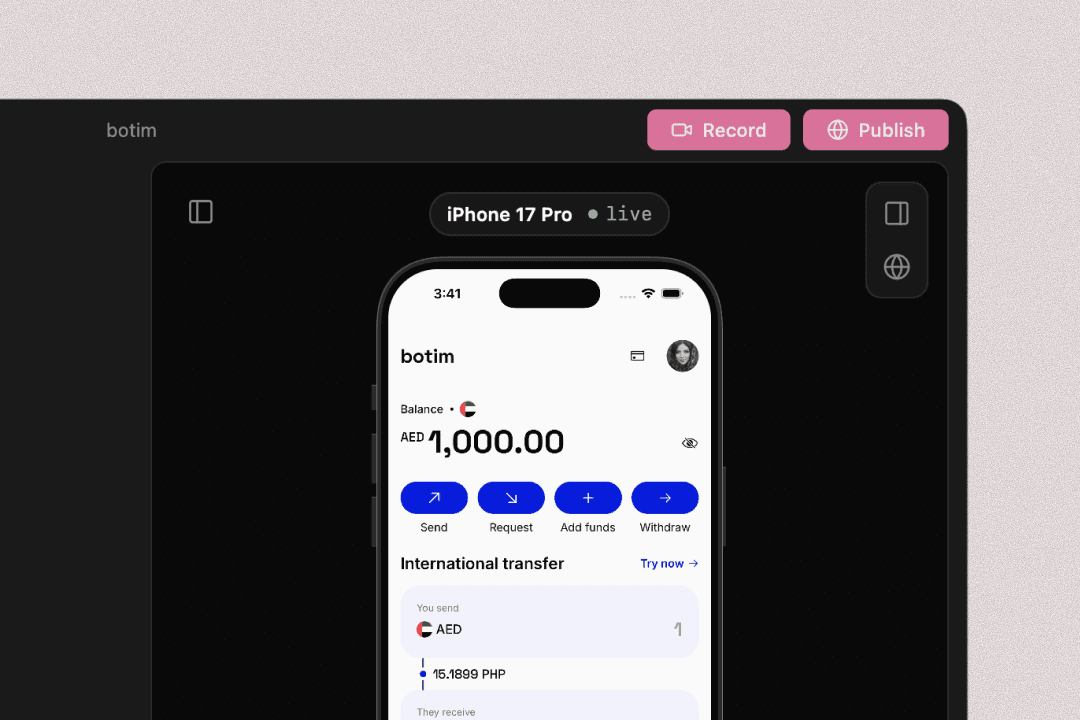
Click the Record button in the top right, tap through your prototype, then click it again to stop. Prototo uploads the clip and opens Studio in your browser. The first time, it signs you in so your recording saves to your account (see Your account).
Wrap and export
In Studio, your recording is dropped into a 3D iPhone. Angle the device, then export the finished clip to share wherever you like.
Record works once your preview is running: wait for the iPhone on the right to show your prototype, then click Record.
Last updated on